
Is a Digital Planner Better Than a Paper Planner?
Last Updated: October 24, 2026
Quick Summary
A digital planner wins on flexibility, searchability, and access across devices, while a paper planner wins on handwriting, focus, and the tactile experience. For most people, a hybrid approach works best: plan the week digitally so changes are easy, then print the pages you'll write on by hand.
- Digital planners handle schedule changes in seconds, while paper means crossing out and rewriting.
- Paper removes notifications and screen distractions, which helps protect your planning hour.
- A hybrid workflow keeps one source of truth per job: timed events digital, handwritten notes on paper.
- A ten-minute Sunday review reconciles your digital calendar with your paper pages.
- Printable PDF planners let teachers and homeschool parents buy once and reprint year after year.
Table of Contents
- Digital Planner vs Paper Planner: The Core Differences
- Digital Planner vs Paper Planner Pros and Cons
- Digital Planner Apps vs Printable PDF Planners
- How to Use a Digital Planner Without Abandoning It
- Choosing a Digital Planner for Teachers and Homeschool Parents
- Pick Your Planner Format and Start This Week
- Frequently Asked Questions
Digital Planner vs Paper Planner: The Core Differences
The digital planner vs paper planner question comes down to one trade-off: digital wins on change and access, paper wins on focus and feel.
The core difference is the medium, not the method. A digital planner is a planning file or app you open on a tablet, phone, or computer.
Most planning fails not because the tool is wrong but because the routine never sticks.
How Each Format Handles Schedule Changes and Frequent Updates
Paper punishes change; digital absorbs it. If your week shifts often, a paper planner means crossing out and rewriting until the page looks like a rough draft.
That flexibility is the strongest argument for going digital.
Paper's counterargument: writing a change by hand forces you to think about it, and a quick drag can hide a conflict a pen would have caught.
Digital Planner vs Paper Planner Pros and Cons
Digital wins on flexibility, searchability, and access. Paper wins on handwriting, focus, and the tactile experience. Here is the honest breakdown, followed by the decision framework most comparison articles skip.
| Factor | Digital Planner | Paper Planner | Edge |
|---|---|---|---|
| Schedule changes | Drag, edit, undo instantly | Cross out and rewrite | Digital |
| Finding old notes | Search by keyword | Flip and scan pages | Digital |
| Access across devices | Syncs to phone, tablet, laptop | Carry the book | Digital |
| Handwriting feel | Stylus, or none at all | Pen on paper | Paper |
| Focus | Notifications can distract | No screen, no pings | Paper |
| Customization | Swap layouts, add pages | Stickers, tabs, margins | Even |
| Setup cost | Device plus app or file | One purchase | Depends |
| Sharing and coordination | Shared calendars, real-time updates | Hand off the book or photocopy | Digital |
| Accessibility | Adjustable text, screen readers, zoom | Fixed print size, tactile navigation | Depends |
| Data ownership | Cloud account, device loss risk | Physical privacy, physical loss risk | Depends |
Where Digital Wins
Three things make a digital planner hard to beat: schedule changes take seconds, searchability puts an old note one query away, and cloud access puts the same plan on every device.
For teachers and homeschool parents, that last point carries real weight: a lesson plan built at the kitchen table is available in the classroom or co-op the next morning.
Digital also wins on sharing and coordination: a shared calendar lets a co-teacher, spouse, or co-op group see updates without passing a book around.
Where Paper Wins
Paper also removes distractions: no notifications, no tab to check, no screen time creeping into your planning hour. The trade-off is that paper can't search, sync, or edit, and a lost planner is gone.
Paper also has an accessibility story worth naming. For some users, fixed print size and physical page-turning beat zooming and swiping; for others, adjustable text and screen readers make digital the only workable option.
A Practical Decision Framework by User Type
The more useful question is which format fits your planning scenario.
- Students with changing schedules: Digital wins. Class changes, assignment due dates, and group projects shift too often for a paper planner to stay clean.
- Families coordinating multiple people: Digital wins on shared calendars, but paper wins on a visible family command center. Many families run both.
- Freelancers and clients: Digital wins on searchability and sharing proposals or deadlines, but paper wins for daily priority lists and deep-work blocks.
What the Evidence Actually Supports
Handwriting's memory benefit and digital notifications' effect on focus are both widely reported, but both depend on the task and the person, treat them as tendencies, not laws. The most reliable predictor of planning success is whether you open the planner consistently, not which medium you chose.
Digital Planner Apps vs Printable PDF Planners
The app route gives you automation: reminders fire, calendars sync, notifications reach your phone. The PDF route gives you ownership, buy once, keep the file, and reprint pages whenever you need them, with no subscription or account lock-in.
For teachers and homeschool parents, the PDF route often fits better. Classroom and curriculum planning is cyclical, and a file you reprint each term costs less than a monthly app fee.
How to Use a Digital Planner Without Abandoning It
Most digital planners fail in week three, not week one, and the fix is a small, repeatable routine rather than a better app. The stronger approach is a hybrid workflow that uses each format for what it does best without duplicating work.
Printable Teacher Planner 2026-2027 – Lesson Plans, Grade Tracking & Classroom →
The Hybrid Workflow That Avoids Double Entry
The goal of a hybrid setup is one source of truth per job, not the same plan written twice. A simple split that works for most people:
- Digital calendar for appointments and shared events. Anything with a date, a time, and another person belongs here. It updates in real time and reaches your phone.
- Paper or printable PDF for daily priorities and lesson notes. Anything you annotate, cross out, or think through by hand belongs here.
- One weekly review to reconcile the two. Ten minutes on Sunday to move next week's appointments onto the paper page and check that nothing conflicts.
The rule that prevents duplication: if it has a time and another person, it lives digitally. If it is a task, a note, or a lesson you will annotate, it lives on paper. When in doubt, put it in the digital calendar and reference it from the paper page rather than copying it.
A Routine That Survives Week Three
- Pick one device and one app. Splitting your plan across three tools guarantees none of them stays current.
- Set a fixed planning time. Ten minutes each Sunday evening beats an ambitious daily ritual you'll drop.
- Plan the week, not the day. Weekly planning gives you room to move tasks without feeling behind by Tuesday.
- Keep a running to-do list separate from the calendar. Appointments and tasks behave differently and deserve different pages.
- Review on Friday. Five minutes spent closing out the week is what keeps planning consistent.
- Turn off non-essential notifications. Reminders help; a pinging device hurts focus.
Watch out: downloading a planner file and never opening it is the single most common failure. Open it the same day you download it and add one real appointment. Momentum beats motivation.
Accessibility and Inclusive Design
A hybrid workflow should also account for how you actually read and write. Digital planners can offer adjustable text size, screen readers, zoom, and voice input, making them better for users with low vision or motor limitations. Paper offers fixed print size and tactile navigation, which some find easier than swiping and zooming. If accessibility is a deciding factor, test both for a week.
Privacy, Security, and Data Ownership
Digital planners raise questions paper does not. Cloud storage means your plan is only as safe as your account, and a lost device can expose more than a lost notebook.
If you're new to digital downloads and unsure how delivery and access work, our Digital Download FAQ explains how files arrive and how to use them on more than one device.
Choosing a Digital Planner for Teachers and Homeschool Parents
Teachers and homeschool parents have different planning jobs, and the right file follows the job. A classroom teacher needs lesson plan templates, grade tracking, and contact pages for one group of students.
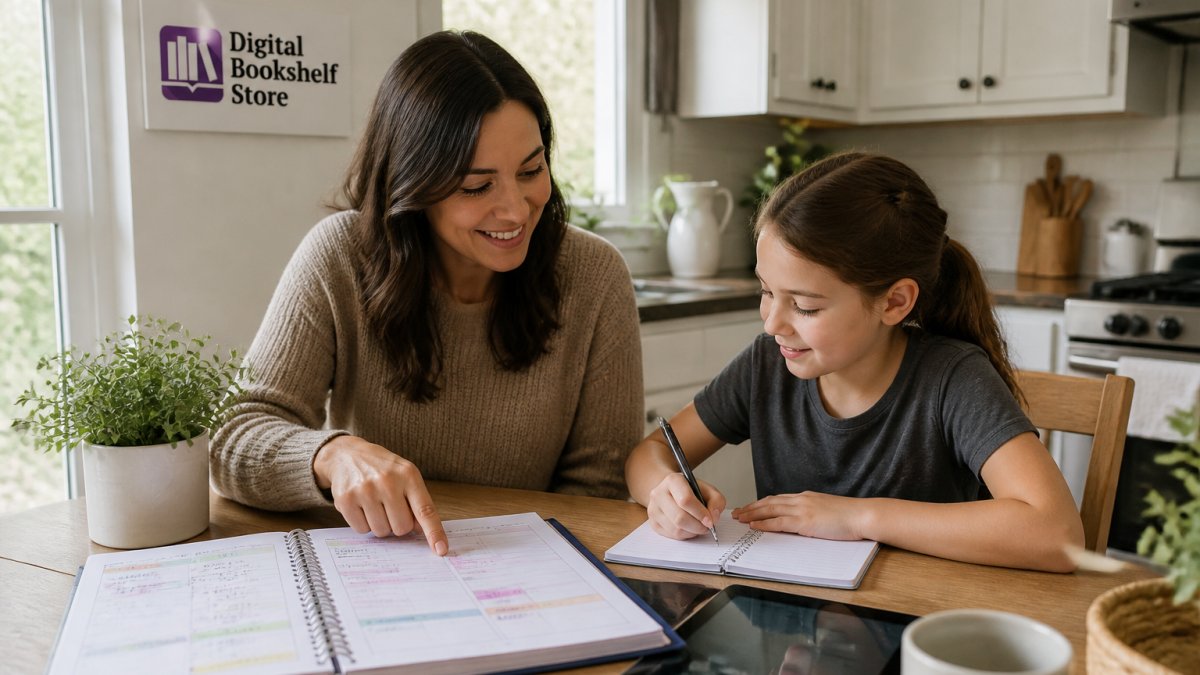
That's why we stock two separate downloads. Our printable teacher planner 2026-2027 covers the full academic year with weekly and monthly layouts, lesson plan templates for any subject, grade tracking, and goal-setting pages, all in one 71-page PDF you can print or open in a PDF app. For families teaching at home, the all-in-one printable homeschool planner adds curriculum tracking, grading reports, attendance sheets, reading logs, and a getting-started guide, with undated pages that work for Pre-K through 12th grade.


Both files are digital downloads, which solves the budget problem that keeps coming up. You buy once and reprint year after year, and one file can serve multiple children or a new class without a second purchase.
Pick Your Planner Format and Start This Week
You don't have to choose one format forever. The hybrid approach works better than either format alone for most people we hear from.
Start small. Pick one format, run it for a month, and judge it on one measure: did you plan consistently?
Browse our full collection of printables for teachers to find a planner that fits your week, or start with the planners and notebooks collection if you're still weighing formats and want to see what's available.
The real challenge isn't picking a format. It's finding a planner simple enough that you'll actually open it.
Frequently Asked Questions
What is the difference between a digital planner and a paper planner?
A paper planner is a bound or printed book you write in by hand. A digital planner is a PDF or app-based file you use on a tablet, phone, or computer. The paper version gives you a tactile experience and no screen time; the digital version lets you edit, search, and sync across multiple devices. Many people use both: a digital calendar for shared schedules and a paper planner for daily priorities.
Can you use a digital planner and a paper planner together?
Yes, and many people do. A common hybrid workflow is to keep appointments and shared schedules in a digital calendar, then write daily priorities and tasks in a paper planner each morning. This gives you the searchability and reminders of a digital tool without losing the focus that comes from handwriting. The key is deciding which format owns which job so you are not maintaining two full systems.
What is the best app for a digital planner?
The best app depends on your device and how you like to write. On a tablet, annotation apps that support PDF files let you open a printable planner and write on it with a stylus. On a phone or computer, a calendar app handles reminders and sharing well. If you want one file that works across devices, choose a PDF planner and open it in whichever annotation app you already own.
How do I create my own digital planner?
Start with a printable PDF planner and open it in an annotation app on your tablet. You can add pages, duplicate templates, and rearrange sections to match your routine. If you prefer to build from scratch, design pages in a document editor and export them as a PDF. For teachers and homeschool parents, a ready-made planner with lesson plan templates and grade tracking saves hours compared with building every page yourself.
Is a digital planner better than a paper planner for teachers?
It depends on how much your schedule changes. A digital planner for teachers handles frequent updates, shared calendars, and reprinting pages year after year without buying a new book. A paper planner suits teachers who think best with a pen and want a screen-free planning routine. Many teachers keep lesson plans digital and use a printed weekly page for daily priorities, which combines the strengths of both formats.
